Scan your fridge. You confirm what goes in.
Take one photo of your fridge, or pick one from your photo library. NexDish lists the food it recognises, and nothing reaches your pantry until you’ve checked it.
Coming soonNot available to download yet. Demos use illustrative data.
The usual way
You keep the list in your head, or type it out by hand.
- Typing every item into a note or a search box, again each week.
- Forgetting what’s at the back of the shelf until it has gone off.
- Guessing whether the yoghurt is still fine because nobody wrote a date down.
- A list that’s only as good as the last time you remembered to update it.

Your photo found 5 items. Check them before they go in.

Eggs 6
Use within 9 days

Milk 1 L
Use within 3 days
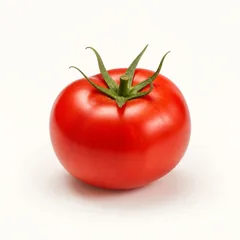
Tomatoes 3
Use within 2 days
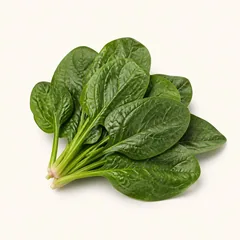
Spinach 1 bag
Expiry unknown

White pot 1 pot
Not sure. Which is it?


Say what the white pot is first, or remove it.
How a scan works
Take one photo
Photograph your fridge with the door open, or choose a photo from your library. Good light and a steady hand give the best results.
Check what it found
NexDish lists the food it recognised. Remove anything it got wrong, say what an unclear item is, and add anything it missed.
Confirm
Only the items you confirm go into your pantry, with quantities and expiry dates where you know them.
Cook from it
Your pantry feeds your recipe suggestions and your week’s plan.
Why you confirm every scan
Recognising food from a photo is useful, and it isn’t perfect. A bag in shadow, a jar behind the milk, a label turned the wrong way: any of these can fool a scanner. NexDish treats the scan as a first draft and you as the editor.
Nothing reaches your pantry until you’ve reviewed it, so every recipe and plan built on it starts from what’s really in your fridge.
Expiry dates without guesswork
Your pantry keeps quantities and best-before or expiry dates. When a date isn’t known, NexDish says so and leaves it unknown. It never assumes food is fine because nobody entered a date.
Food close to its date moves up your recipe suggestions, so it gets used first. Dates are a reminder, not a safety check: always look at food yourself before you eat it.
What counts as a scan
The proposed free allowance is one successful fridge scan a day. Retakes, failed scans and items you add by hand never count as a scan. Premium options with more daily scans may follow; no plans or prices are set. How free scans work.
Questions
- Is NexDish a smart fridge?
- No. NexDish is a mobile app that works with the fridge you already have. There’s nothing to install in your kitchen.
- Can I add food without scanning?
- Yes. You can type items in by hand at any time, and that never counts as a scan.
- What happens to my photo?
- The photo you choose is sent securely to NexDish’s scan service, which uses an AI provider to identify the food in it. The results come back to you for review. The privacy policy explains this in full.
- When can I use it?
- NexDish isn’t available to download yet. It’s coming soon.

More of what NexDish does
Or see the whole loop, from scan to finished dish, in the demo on the homepage.

Recipe finder
Dishes ranked by how much of them you can make now, with missing items shown.
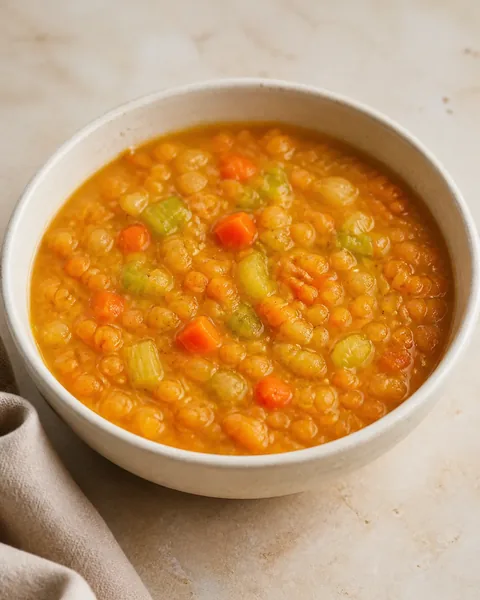
Meal planner
A Monday-to-Sunday plan that fits each dinner to the time you have free.

Learn to cook
Short guided stages, XP for finished cooking, and seven kitchen levels.


